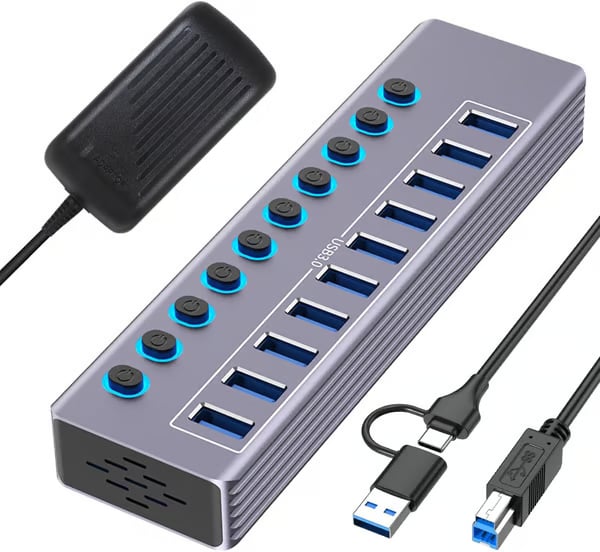
Powered USB 3.0 Hub – More Ports, Less Plugging & Unplugging
Powered USB 3.0 Hub – More Ports, Less Plugging & Unplugging
BUNDLE & SAVE
Couldn't load pickup availability

Powered USB 3.0 Hub – More Ports, Less Plugging & Unplugging
Stop Running Out of USB Ports.
Connect more of the devices you use every day from one powered hub— without constantly unplugging your setup.
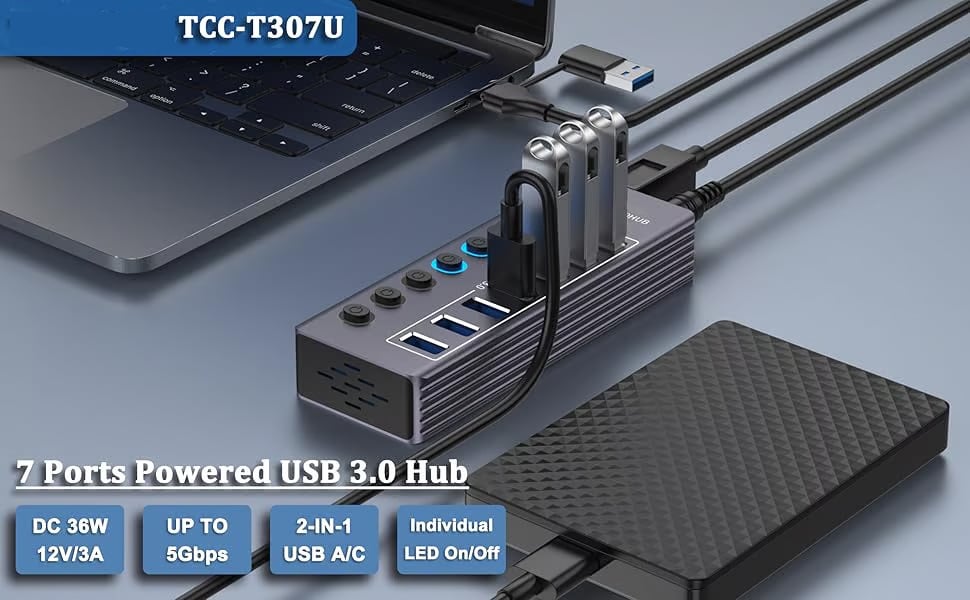
Too Many Devices. Not Enough Ports.
Your laptop may only give you a few USB connections. Your actual setup probably needs a lot more.
Stop swapping your keyboard, drive, printer or accessories every time another device needs a port.
Turn one available USB-A or USB-C connection into a far more useful multi-device workstation.
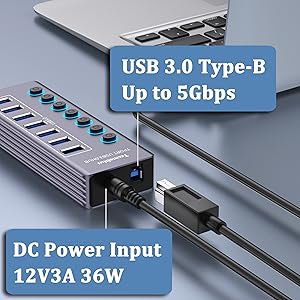
External 12V/3A power helps support a stable setup when several USB devices are connected.
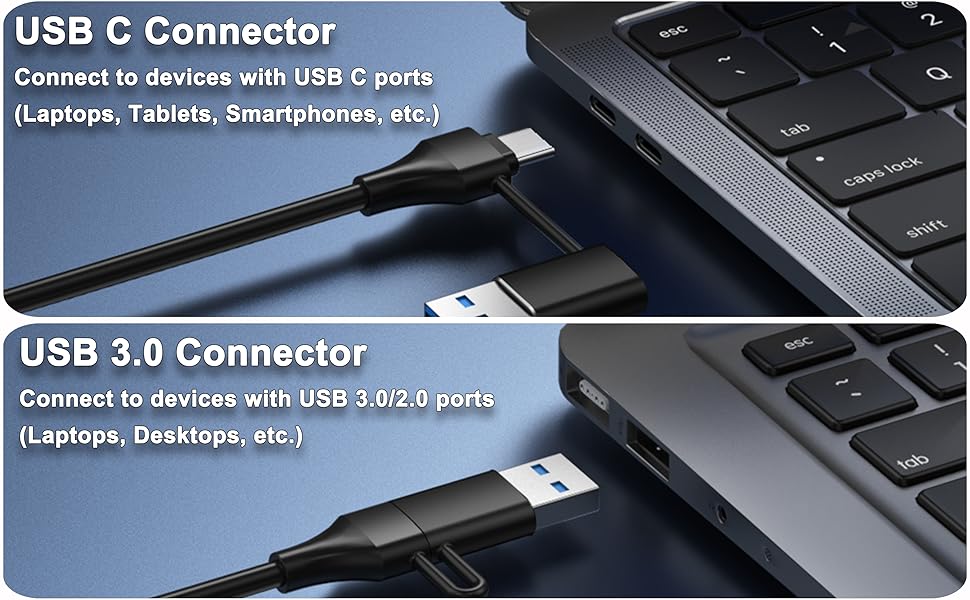
Works With USB-A or USB-C Computers
The included 2-in-1 host cable gives you more flexibility when connecting the hub to modern laptops, desktops and compatible devices.
For desktops, laptops and traditional USB ports.
For compatible newer laptops, tablets and USB-C devices.
More Control Over Every Connection
Expand your setup without turning your workspace into a cable-swapping routine.
Up to 5Gbps USB 3.0 Data
Move files between compatible USB 3.0 devices at speeds up to 5Gbps. Ideal for drives, flash storage, card readers and everyday peripherals.
Individual ON/OFF Switches
Control each USB port separately instead of physically unplugging devices you are not currently using.
LED Status Indicators
A dedicated LED makes it easy to see which connections are currently switched on.
12V/3A External Power
The included external power adapter helps provide stable operation for busy workstations with multiple connected USB devices.
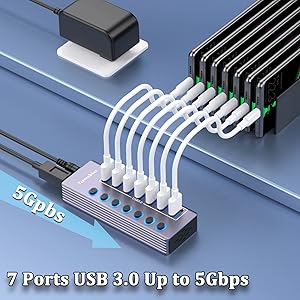
Turn Off the Port.
Not Your Entire Setup.
Each USB output has its own physical ON/OFF control, so you can keep devices connected and activate only the ones you need.
Reduce repetitive plugging and unplugging.
LED indicators show port status at a glance.
Switch one connection without disturbing the others.
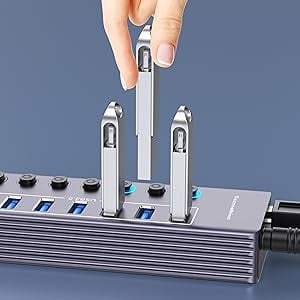
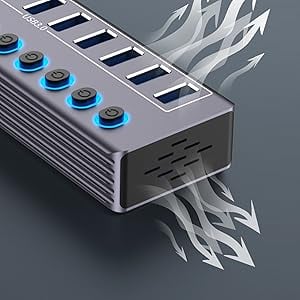
Designed for the Desk, Not the Drawer
The aluminum alloy housing gives the hub a clean, modern appearance while ventilation openings help heat dissipate during operation.
Its spaced USB layout also makes connecting multiple cables and accessories easier than working with tightly packed ports.
Connect the Devices You Actually Use
Built for workstations, home offices, study setups and multi-device desks.
Wide System Compatibility
From One Port to a Full Setup in 3 Steps
Connect the Hub
Connect the hub to a compatible USB-A or USB-C port on your computer.
Connect External Power
Plug in the included 12V/3A power adapter for powered multi-device use.
Add Your Devices
Connect your USB accessories and use the individual switches to control each active port.
Everything You Need to Get Connected
Select your preferred hub configuration and plug standard in the product options.
Frequently Asked Questions
Does it work with USB-C laptops?
Yes. The 2-in-1 host connection supports compatible USB-C and traditional USB-A connections.
How fast is the data transfer?
Compatible USB 3.0 connections support data transfer speeds up to 5Gbps. Actual speed depends on the connected device, computer and file type.
Can I turn individual ports off?
Yes. Each USB output has its own ON/OFF switch and LED status indicator.
Does it include an external power adapter?
Yes. The package includes a 12V/3A power adapter for powered operation.
Do I need to install a driver?
The hub is designed for plug-and-play use on supported Windows, macOS and Linux systems.
What's the difference between the 7-port and 10-port versions?
Choose the configuration that matches the number of USB connections you need. Always check the selected variant before adding it to your cart.
One Hub. More Ports. Less Desk Frustration.
Stop choosing which device gets the last USB port. Build a cleaner, easier multi-device setup with powered USB expansion.